Court Click App

Whether you're a lawyer, litigant, clerk, or law student, Court Click simplifies legal case management and the way you manage your legal process.

Downloads

Cases Tracked

Review Ratings

LegalTechAll in one Legal-Tech Platform

Manage Your Legal Journey
Anytime, Anywhere

Whether you're a lawyer, litigant, clerk, or law student,
Court Click simplifies legal case management and the way you manage your legal process.

User 1
User 2
User 3

Active Users

Automated Causelists

Automated Causelists

No more manual checking

Real-Time Alerts

Real-Time Alerts

Stay ahead of every court update

Billing for Lawyers

Billing for Lawyers

Professional invoices in just a few taps.

Court Click App
Avatar 1
Avatar 2
Avatar 3

Active Users

Automated Causelists

Automated Causelists

No more manual checking

Real-Time Alerts

Real-Time Alerts

Stay ahead of every court update

Billing for Lawyers

Billing for Lawyers

Professional invoices in just a few taps.

Key Features

Experience a
Modern Legal-Tech Solution

Designed to simplify support and speed up every step of your legal journey, wherever you are.

Case Tracking Guides

Court case tracking,
made easier to follow.

Search for your case in CourtClick, add the matching matter and activate tracking to follow case status, hearing dates and updates. These guides walk through the app using the case details you have.

Built for cases across India, with dedicated guides for Kerala. Available records and tracking features depend on the court.

About Court Click

From Court Confusion
to Court Click

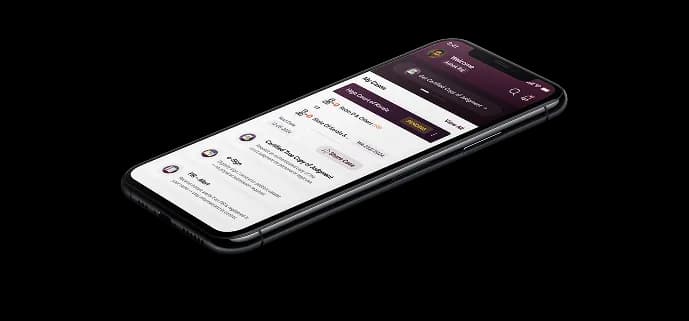
Court Click is a modern legal-tech platform designed to simplify how people track & manage court cases. Whether you're a litigant, lawyer, law student, or clerk, we help you stay updated, request documents, & sign forms digitally. All through your phone, without the courtroom chaos.
About Section Image

Built For

Different Users
One Powerful Platform

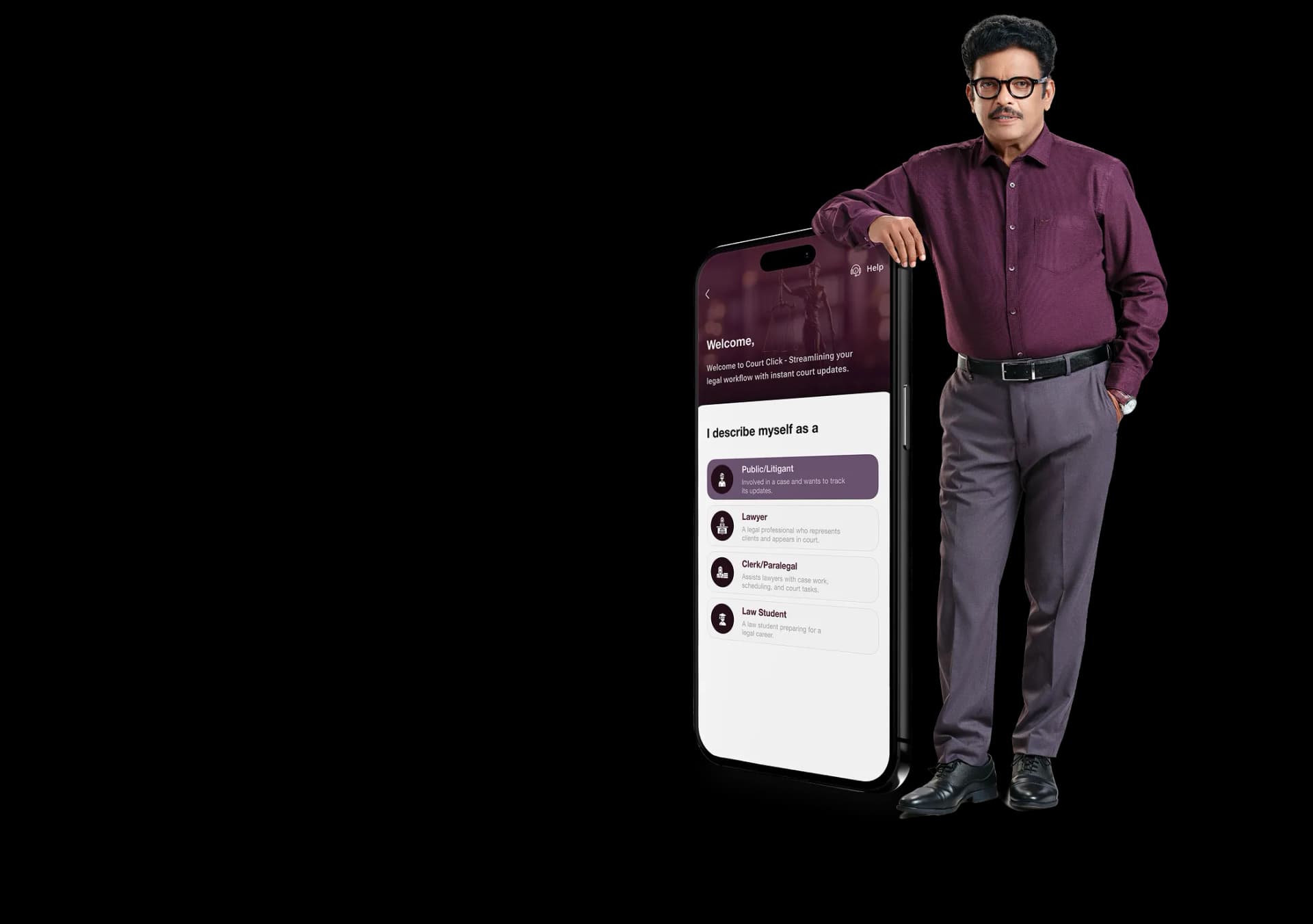
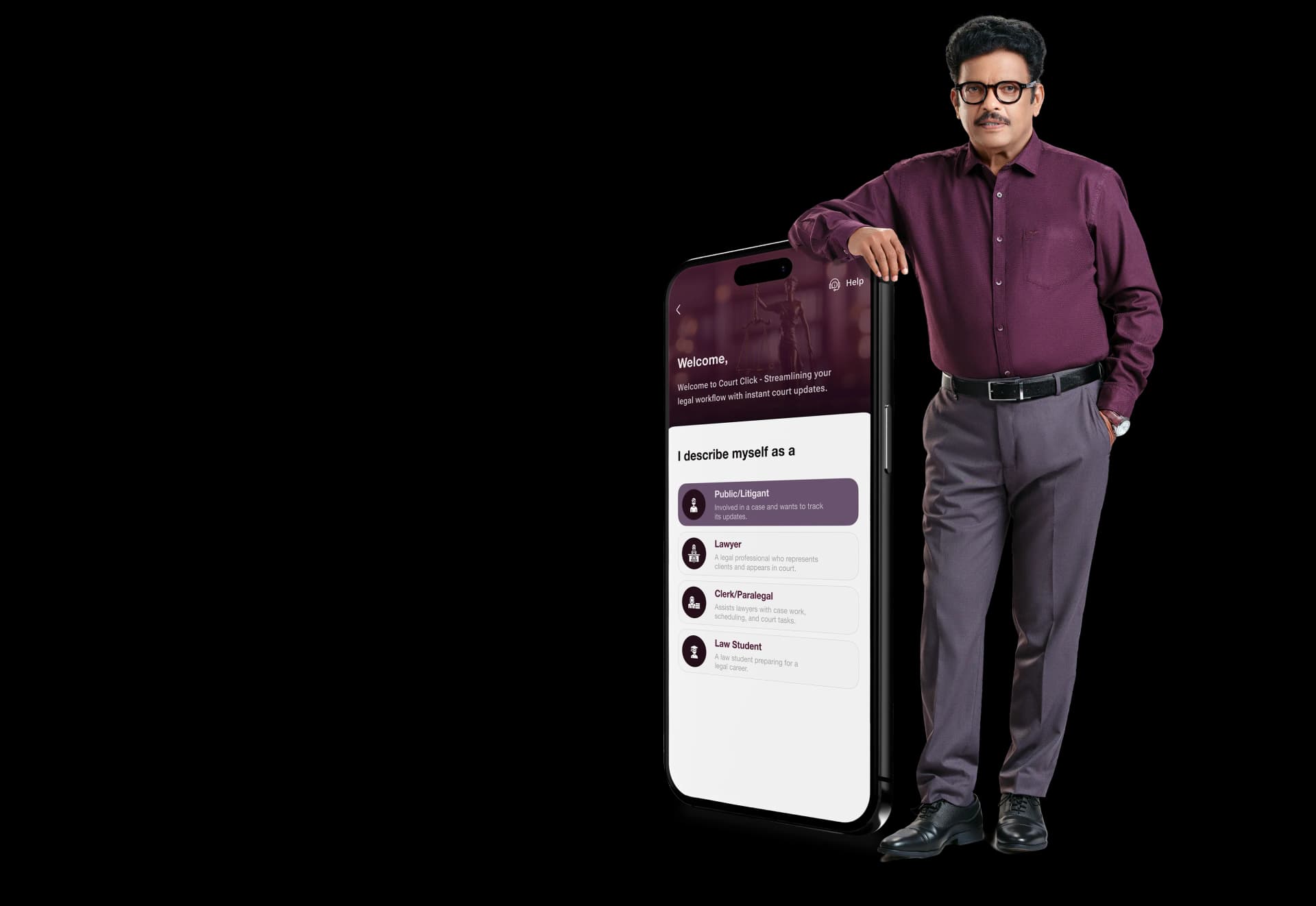
Court Click understands your needs. From first-time users to experienced professionals, it is built to work for everyone.

Public/Litigants

Public/Litigants

Track your court case with real-time updates on hearings, orders, and judgments. Simply enter your case number and district to receive updates directly on your phone.

Lawyers

Lawyers

Court Click is an all-in-one app for lawyers to manage cases, get real-time court updates, and simplify tasks like eSign and billing.

Clerks

Clerks

Clerks can manage multiple advocate cases, download daily causelists, track real-time court updates, and handle Certified True Copy requests efficiently with Court Click.

Law Students

Law Students

Build your legal skills with Court Click by following real court cases, analysing causelists, understanding live proceedings, and gaining practical exposure beyond classroom theory.

Your court case

always in your pocket.

Court Click App

Court Click keeps your case details, hearing updates, and important documents right in your pocket. Track real-time updates, view court listings, and manage everything in one secure legal app. Stay informed, organised, and connected to your case anytime, without relying on manual court follow-ups.

Download Now

Need help finding your case
or facing an issue?

Our support team is here for you.
Reach us instantly via Contact Us.

FAQ

Got Questions?
We've Got You Covered.

From case tracking to hearing updates, find answers about Court Click.

Can I track court cases across India with Court Click?

Court Click supports case tracking across India, including Kerala. Select an available case state in the app and use the court and search options shown for that state. Case availability, feature coverage and update timing vary by court. Explore our case tracking app or contact support to check availability for a particular matter.

How can I check Kerala court case status online?

In Court Click, select Kerala as your case state and search using the available case-number, CNR or name options. Verify the court and party names, import the matching case and activate tracking if required. Our Kerala court case status guide walks through the CourtClick app flow for High Court and district court matters.

How do I log in to Court Click?

Open the Court Click app, choose the account type that matches your role, and enter your phone number with the correct country code. Request and enter the one-time code using the delivery instructions shown in the app. Complete any profile and case-state selection steps shown for your account.

How do I start tracking my case as a litigant?
  1. Choose Public/Litigant and the state where your case is registered.
  2. Search using an option available for that state. Check the court, case number and party names before selecting a result.
  3. Use Import Case to add the matching matter to your cases.
  4. If tracking is locked, choose an available subscription, select the case or cases to cover, review the price and term, and complete payment. Selected cases can unlock automatically after payment verification.
  5. If you have an unused case credit and the app shows a Reveal action, use it to unlock that case.

Open the unlocked case to review available status, hearing history and documents. Lawyer and clerk accounts have their own case-management workflows. See the case tracking app guide for details.

What kind of case updates can I receive?

Available alerts can include hearing-date changes, upcoming hearings, case-history updates, interim orders, judgments, applications and case disposal. Which updates you receive depends on your tracked case, court records, notification settings and device permissions.

Updates are processed after information becomes available; delivery is not guaranteed at the instant a court changes a record. Open the case timeline and relevant order to review the details.

How can I set alerts for my cases?

Open Updates, tap the Settings icon and review Notification Settings. Choose the available update categories and, where supported, reminders for a number of cases before yours. Also allow Court Click notifications in your phone settings.

Hearing-call reminders depend on supported court listings and live-board information; they are different from a reminder for a future hearing date.

How do I contact support if I need help?

Use the Support option in the app. It opens the support channel configured for your account, which may be chat or WhatsApp. You can also visit our contact page or email support@courtclick.com. Include your court and full case reference when asking for help finding a matter.